Work directly with an engineer to assess an existing application, rebuild a workflow, connect equipment and data, or test a focused AI use case. Scope, validation, and handoff are part of the work.
Bring a general description of the application or workflow and the change you need. The first conversation establishes whether the work is a fit; any paid assessment is agreed separately.
A map of users, workflows, data, and dependencies.
Known constraints, risks, and unanswered questions.
Options for repair, integration, rebuilding, or a small pilot.
A proposed scope with deliverables and acceptance criteria.
Fees, schedule, access, ownership, and support are agreed before work starts. Sending an inquiry creates no commitment.
AI with a defined job to do
A pilot might help a team find answers in approved manuals or turn selected notes into a structured draft. The useful test is whether it helps with that particular task.
Keep links to supporting information and a human review step.
Test unsupported answers, missing evidence, and provider failures.
Record quality, latency, and cost on the agreed examples.
These are scoped service proposals, not claims of completed customer AI deployments. Model output can be wrong. A pilot does not autonomously control machinery or make safety decisions.
AppRebuilt is my independent software service. My background combines industrial software development with field service: understanding the task, building the application, and diagnosing the equipment, data, and environment around it.
My documented professional work includes C# and VB.NET applications, SQL data workflows, device integration, commissioning, customer training, and production support.
Independent engagements are scoped separately from my employment. Remote work and onsite visits are considered according to the project, location, and agreed arrangements.
Describe the application, integration, or AI workflow you have in mind. I’ll use that context to discuss fit and scope. Keep the reference shown after your request is saved.
Start with a general description. Please leave out passwords, confidential business records, and application files.

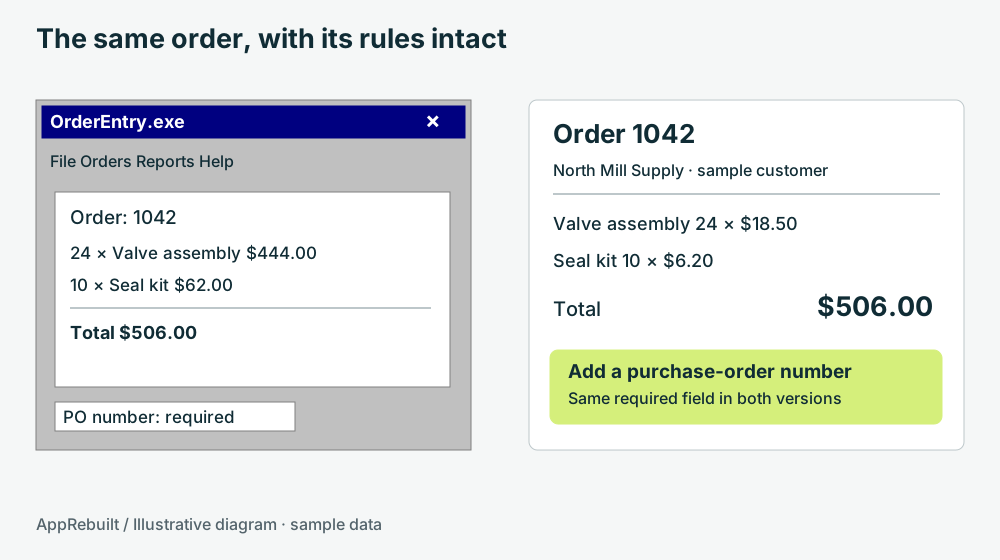 VB6 MODERNIZATIONStart with the application you have
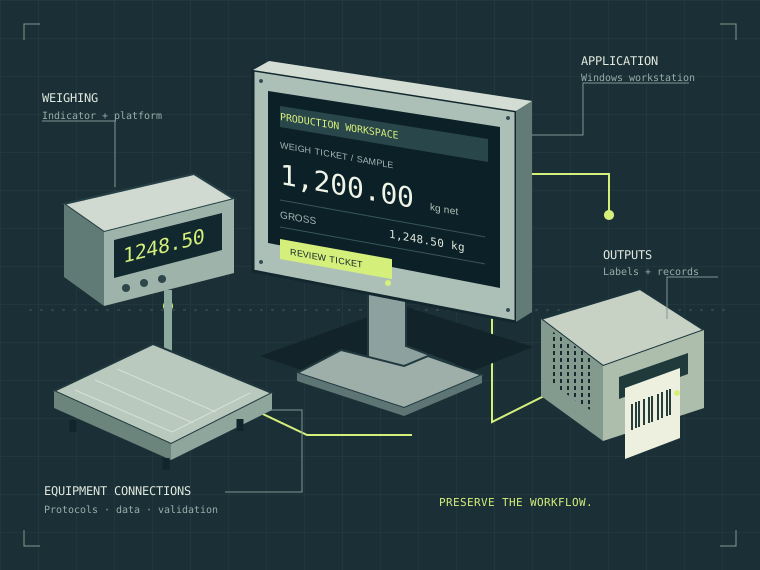
 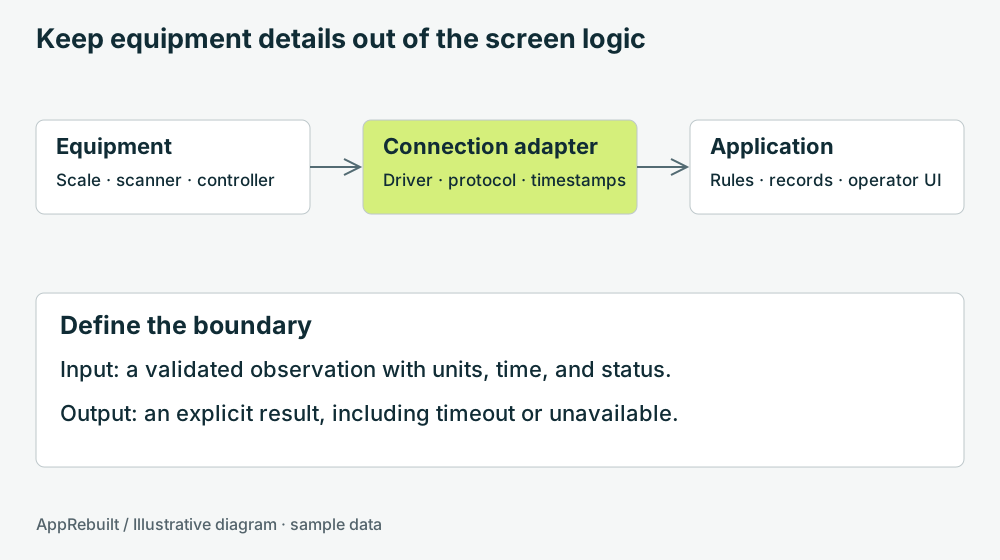 EQUIPMENT INTEGRATIONMap the connections behind the screen
 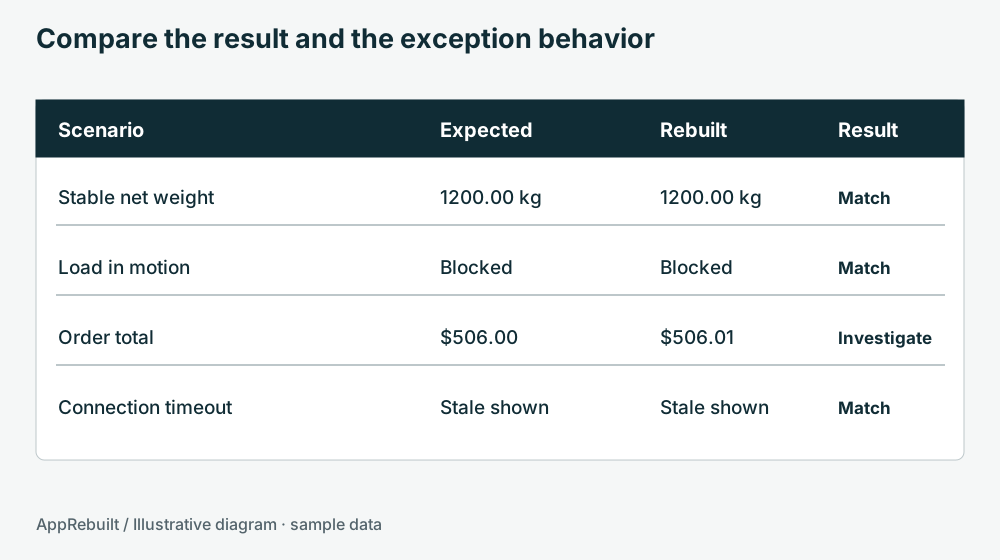 REBUILD VALIDATIONCheck the behavior that matters